
Your signature, on your device
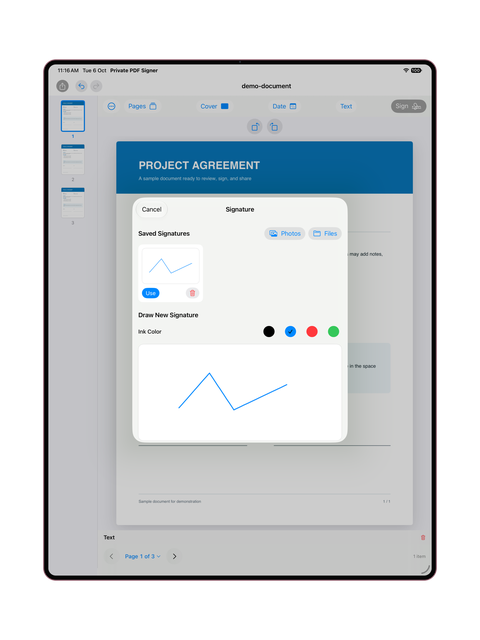
Draw a signature or import its image, and save it locally for reuse. A signature is a visual mark on the page, not a digital-signature certificate or identity verification.
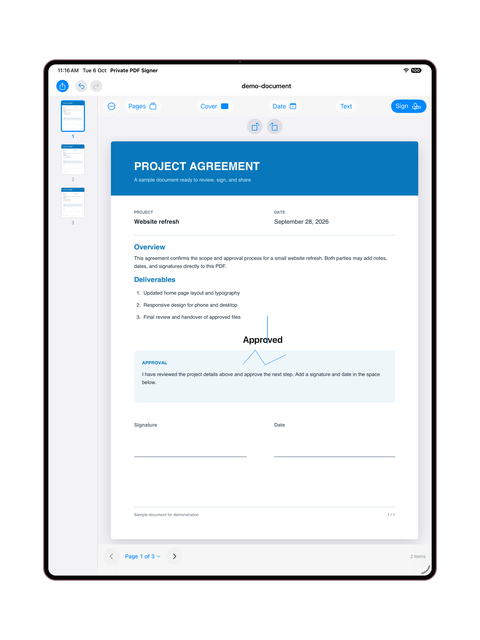
Open a PDF, sign it, and add what you need on your device. Signing, text, dates, covers, and export are free; Pro unlocks page and file tools.

Draw a signature or import its image, and save it locally for reuse. A signature is a visual mark on the page, not a digital-signature certificate or identity verification.
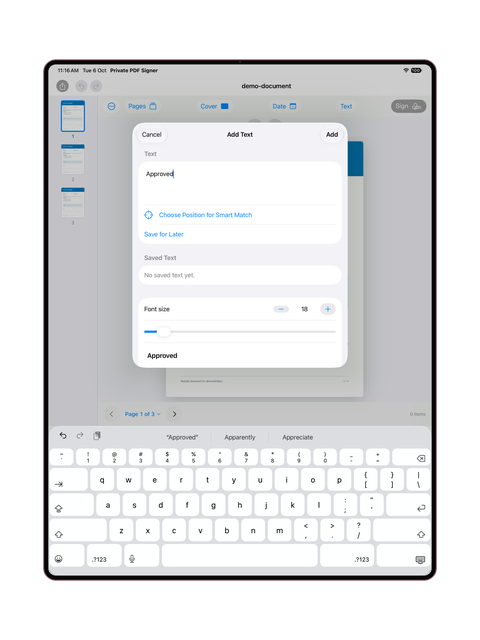
Add text or a date and choose Match Document Style. Available fonts and matching depend on the document and installed or downloadable fonts.
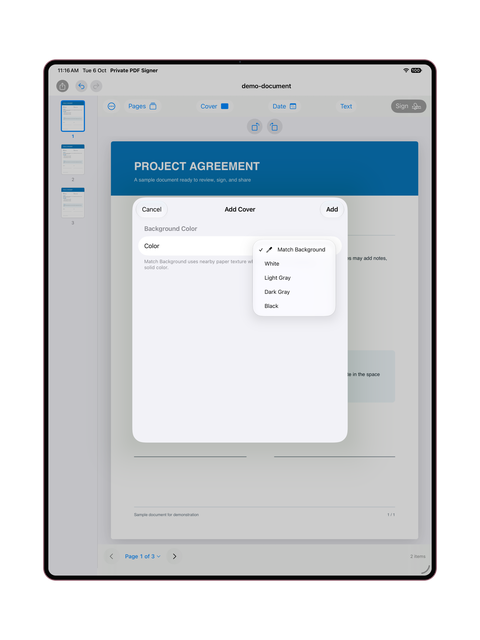
A filled cover hides an area in the finished PDF and turns its page into an image, without deleting content from the original file. Review the output before sharing.
Choose a save or share destination. If you select cloud storage or another app, that service handles the file under your settings and its policies.
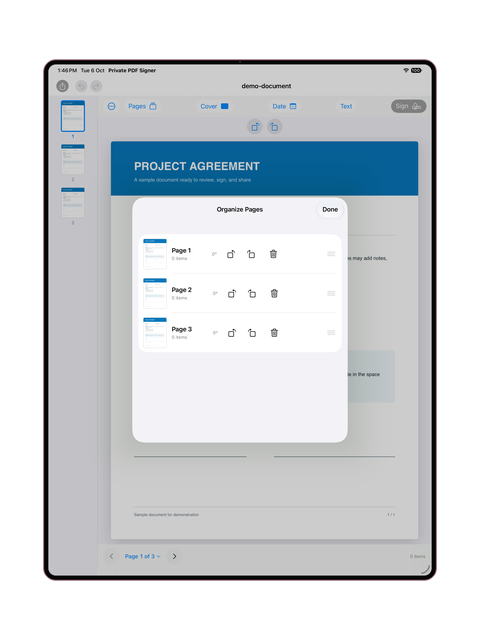
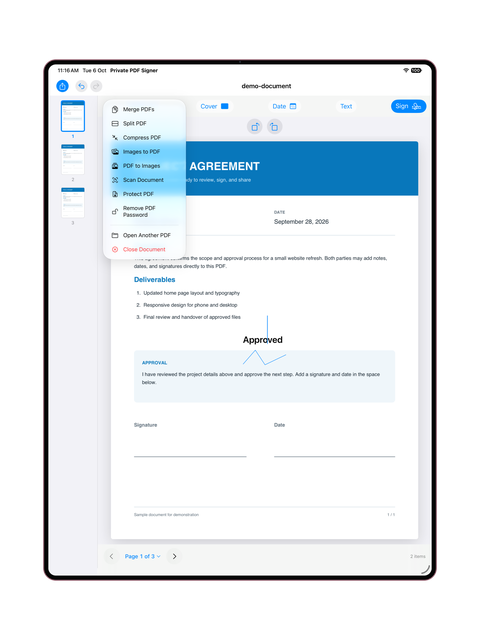
Page organization, merging, splitting, and compression with Pro.
Camera scanning, images to PDF, and PDF pages to images with Pro.
Create a password-protected copy or remove a password using the correct password and appropriate permissions, with Pro. Check the protection of the copy you intend to share.
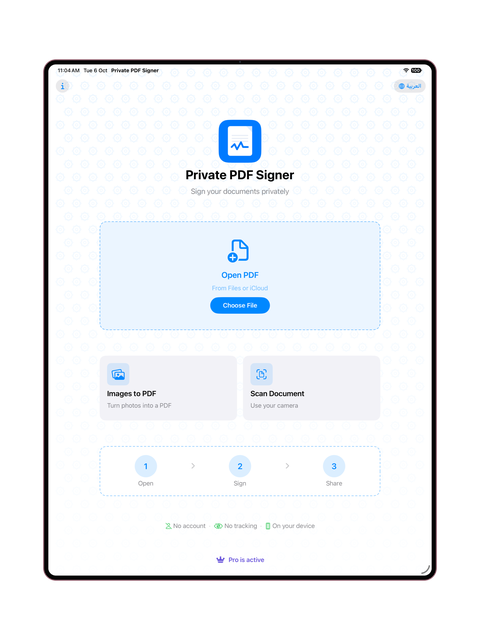
More room to view your document on iPad. The interface may vary by app version.
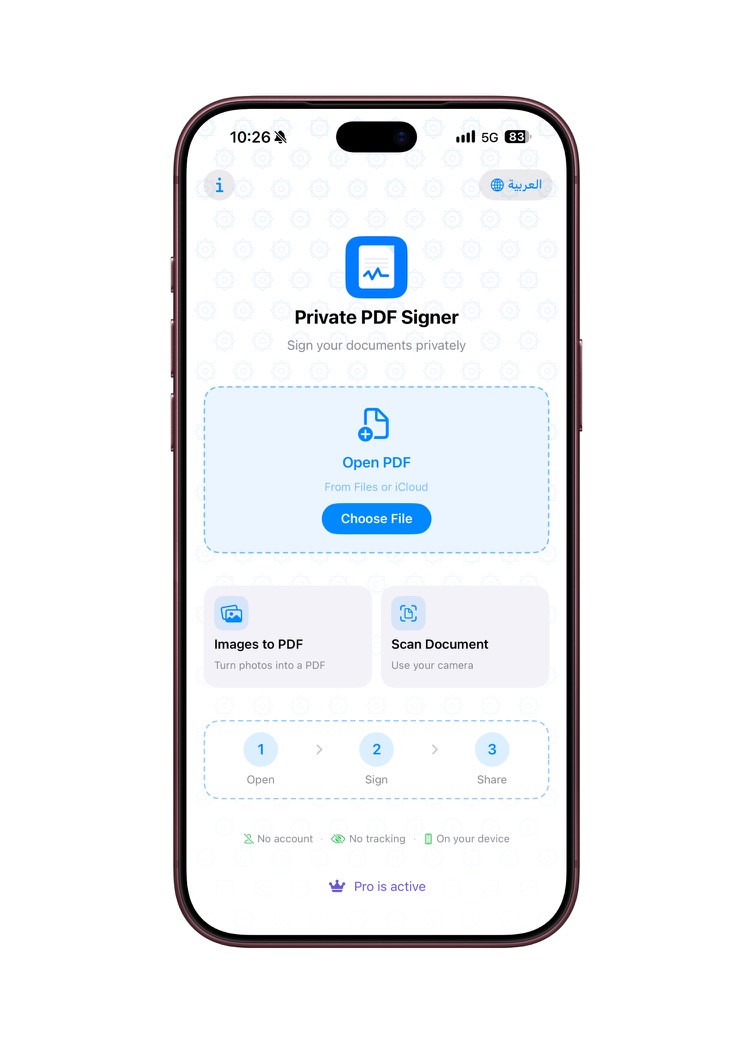
The screenshot shows the iPhone home screen in English.
SAR 4.99 a month, auto-renewing.
SAR 24.99 a year, auto-renewing.
SAR 59.99, a one-time purchase with no renewal.
Apple shows the current price, eligibility for a trial, its duration, and the following price before confirmation. Changing plans does not guarantee another trial. Subscriptions renew unless canceled under the displayed terms; deleting the app does not cancel them. The iPhone and iPad purchase works across those devices under Apple’s entitlement and does not unlock Mac.
Prices on the Saudi App Store. The App Store shows the price in your currency before you confirm.
Documents are processed on your device and are not uploaded to a server we operate for processing. You choose where to save or share the output.
No account with us is required for app functions. Apple handles purchases. Support messages are optional.
Font downloads, support, and sharing are services you choose. Font downloads do not send your document or text; the source may receive ordinary connection information.